
User Guide
Enable Keep Alive and Failover
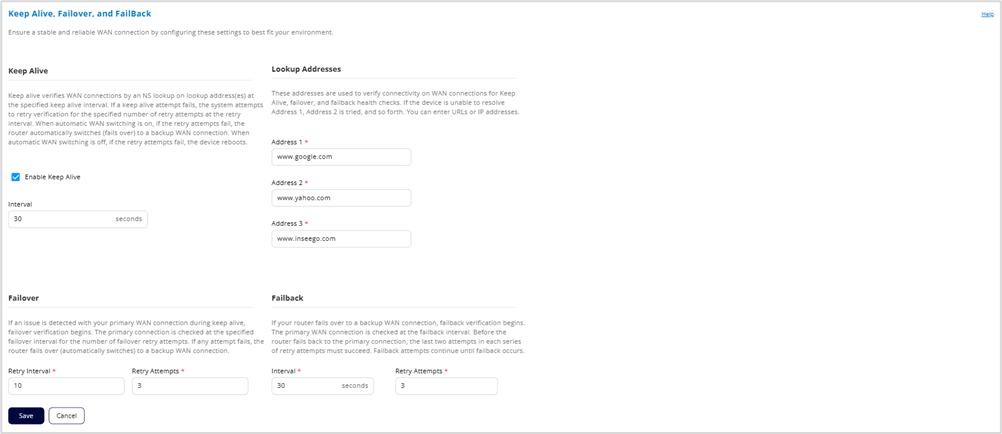
Keep Alive
Keep alive verifies your primary WAN connection by performing nslookups or ICMP pings on lookup addresses at the keep alive interval.
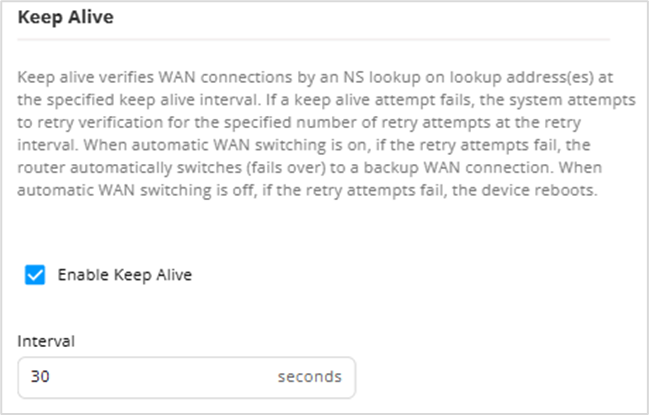
Enable Keep Alive: Keep alive is on by default and your primary WAN connection is verified at the keep alive interval.
Caution! If you uncheck this box, you are turning off verification attempts to ensure your WAN connection is stable. If WAN automatic switch is on and keep alive is off, WAN switching occurs only in the case of a hardware event, such as SIM card removal, cable disconnection, etc.
Interval: The number of seconds between regular keep alive checks on your WAN connection.
Lookup Addresses
Lookup addresses are used to verify connectivity on WAN connections. If the router is unable to resolve nslookups or ICMP pings on the first address, the second address is tried, and so forth. You can use the default addresses or enter new ones.
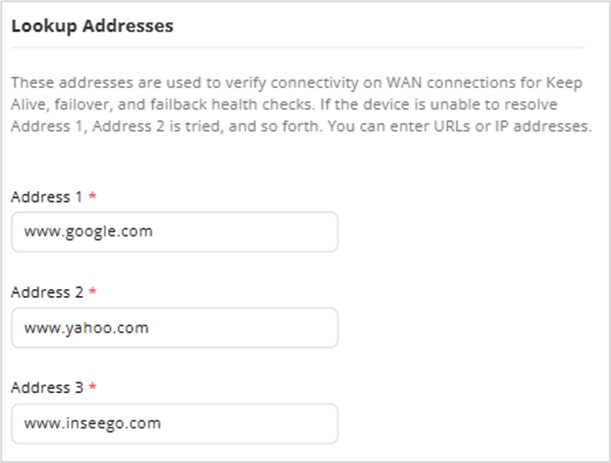
Address 1: The first IP address to verify the WAN connection.
Address 2: The second IP address to verify if Address 1 does not respond.
Address 3: Enter the third IP address to verify if Address 2 does not respond.
Failover
If a keep alive attempt fails (the router is unable to resolve an nslookup or ICMP ping on any of the three lookup addresses), the system retries the connection at the failover retry interval for the set number of retry attempts.
When automatic WAN switching is on, if the retry attempts fail, the connection switches (fails over) to your backup WAN connection. When automatic WAN switching is off and the retry attempts fail, the router reboots.
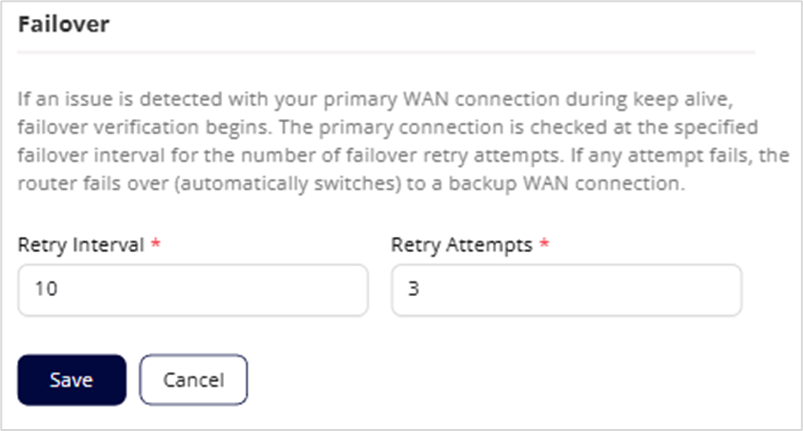
Retry Interval: The number of seconds between retry attempts to verify your WAN connection. Retry attempts occur after the router is unable to resolve an DNS lookup on any of the three lookup addresses during a regular keep alive attempt.
Retry Attempts: The number of times to retry verification of your WAN connection after a regular keep alive attempt has failed. If all of the retry attempts fail, the WAN either switches over to the backup WAN (when automatic WAN switching is on), or the router reboots (when automatic WAN switching is off).
Failback
If your router has automatically switched (failed over) from your primary WAN connection to a backup connection, failback is automatically initiated. Failback checks connectivity on your primary connection at the specified interval and continues until connectivity is verified and the router automatically switches (fails back) to your primary WAN connection.
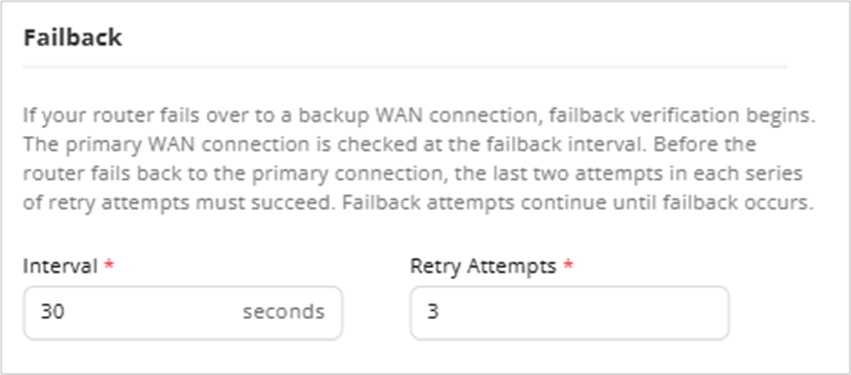
Interval: The number of seconds between failback verification attempts.
Retry Attempts: The number of times to retry failback verification in each series of attempts.
NOTES:
- For failback to the primary WAN connection to occur, the last two attempts in this number of attempts must succeed. For example, if set to 5 and attempts 1-4 succeed, but attempt 5 fails, failback does not occur.
- Failback attempts continue until failback occurs. This setting determines how many attempts to try in a series of attempts, the last two of which must succeed for failback to occur.
Click Save to save your configurations.