
User Guide
APN Settings
By default, the system automatically determines the connection profile and APN for the SIM. Use this section to change how the APN is selected.
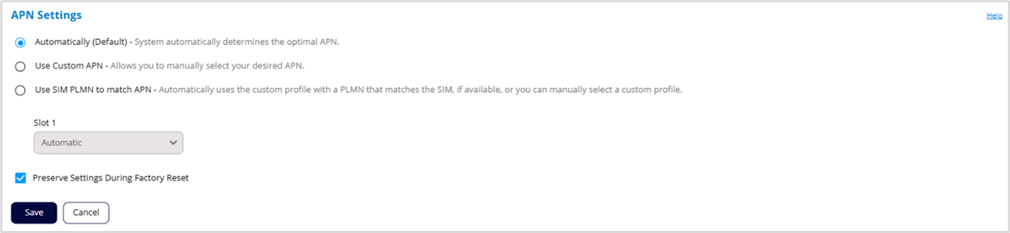
Automatically (Default) – The system automatically determines the optimal APN.
Use Custom APN – You can manually assign a connection profile from the custom connection profiles in the APN Connection Profiles section below.
Use SIM PLMN to match APN –The system automatically sets the profile for the SIM based on a PLMN match between the SIM and the custom connection profiles in the APN Connection Profiles section below. If there is no PLMN match, the system selects a profile without a PLMN. You can also manually select profiles.
Preserve Settings During Factory Reset: When this box is checked, your APN settings will remain even after a factory reset of the device.
Click Save.