
User Guide
Domain Name Server (DNS)
The FX4100 automatically selects a Domain Name Server (DNS). This section allows you to manually assign up to two DNS IP addresses.
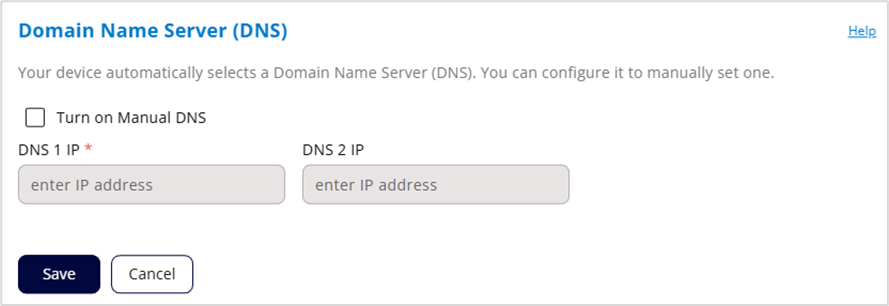
Turn on Manual DNS: Click the checkbox to manually select a DNS.
DNS 1 IP: Enter the IP address for the primary DNS. This address is required to use the Manual DNS feature.
DNS 2 IP: Enter the IP address for the secondary (backup) DNS. This address is optional and may be left blank if desired.
Click Save.