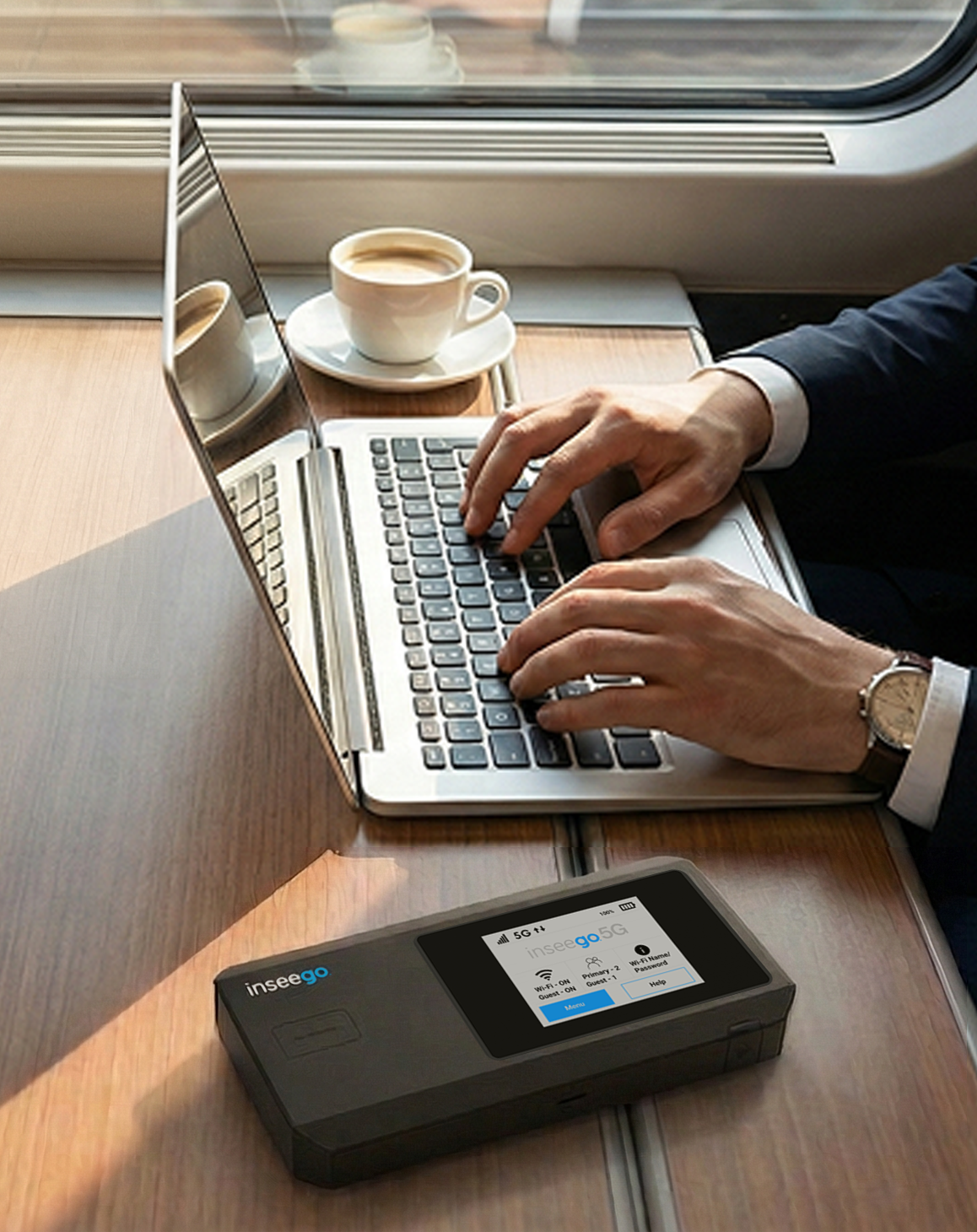
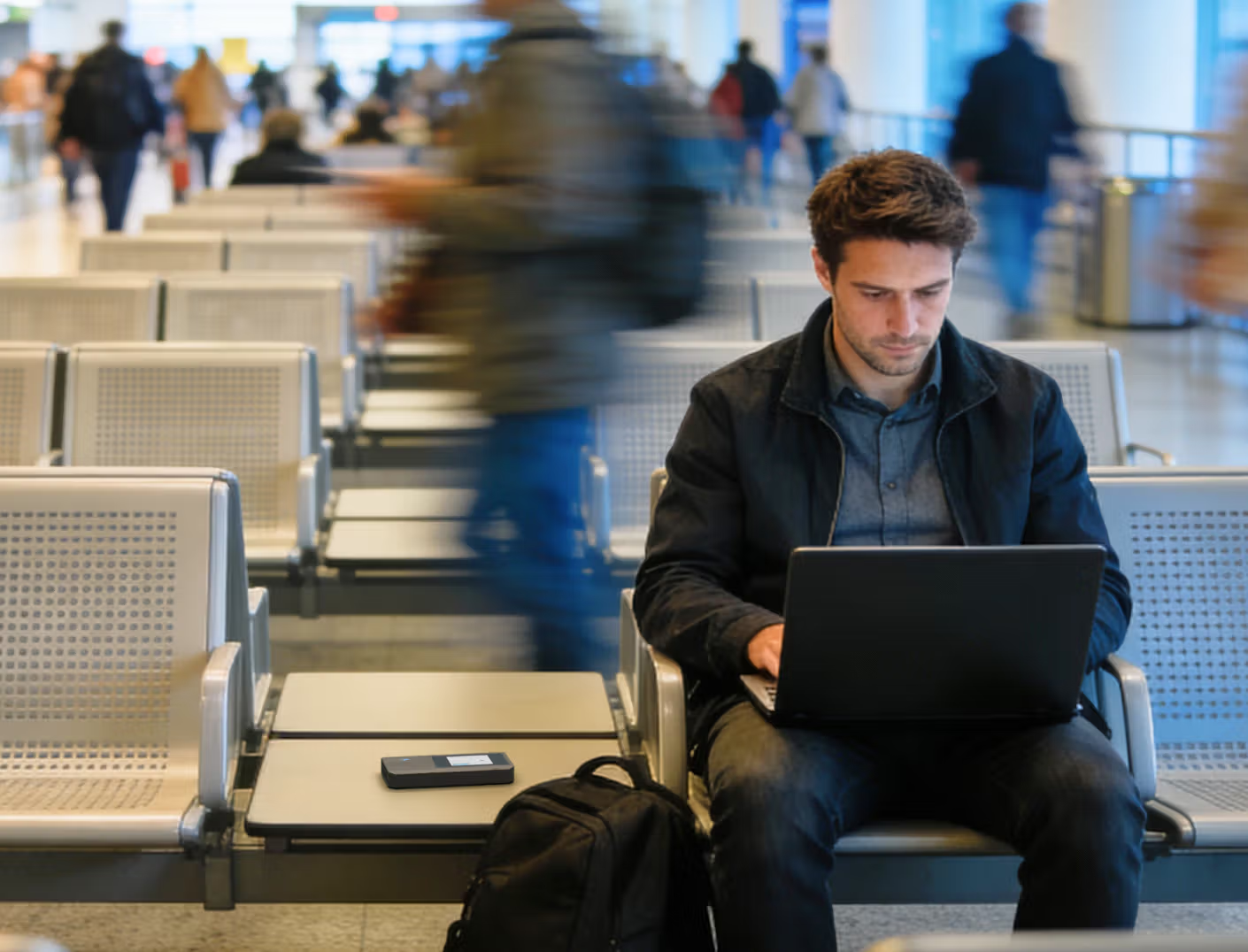
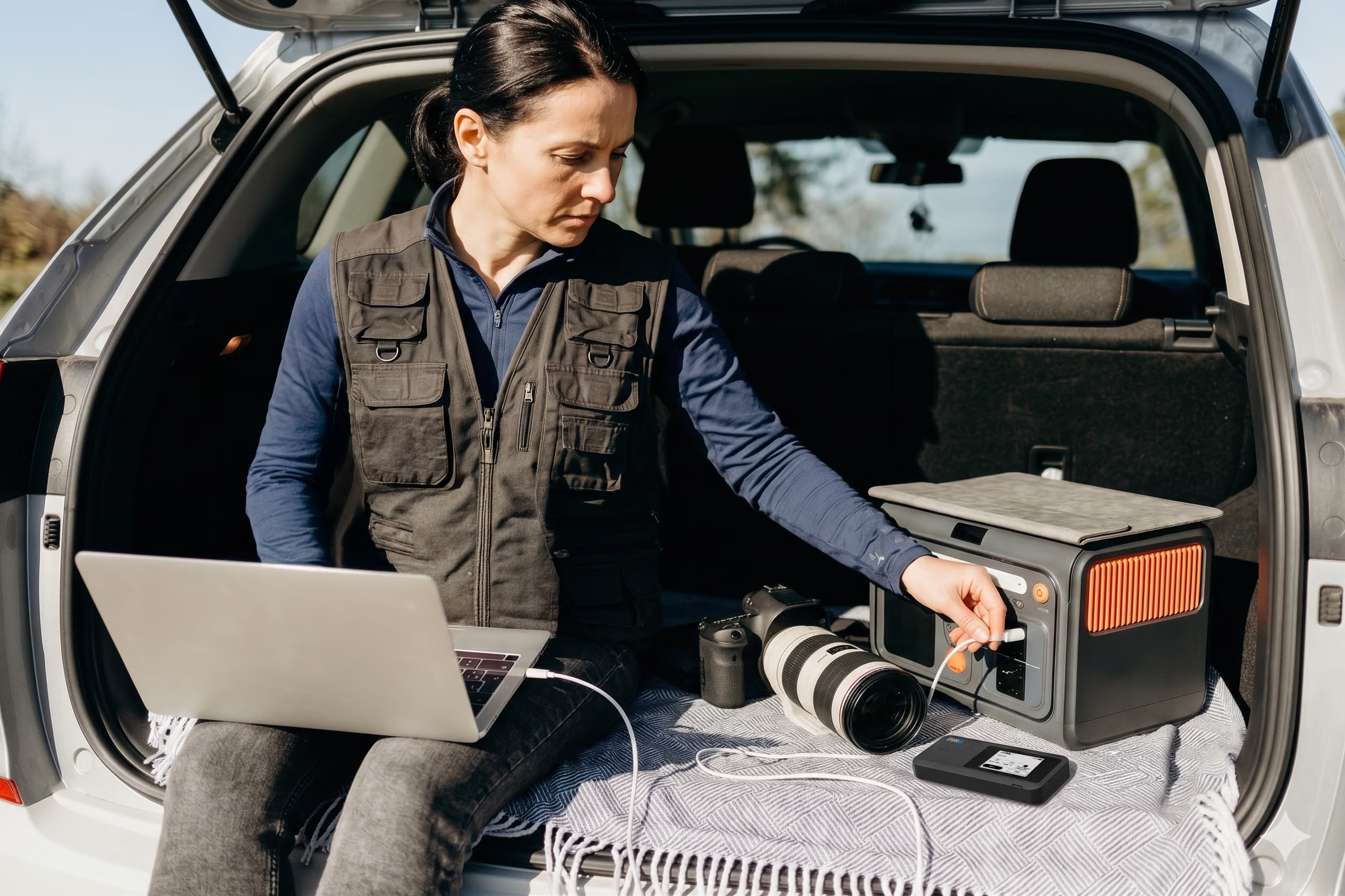
The MiFi PRO M4 creates a private layer of security that travels with remote workers. By providing a dedicated 5G connection, organizations can eliminate the security risks of public wi-fi in places like a coffee shop, isolating sensitive information from unencrypted public networks.

Secure remote work

Trusted by leading companies

Inseego understands the need to secure remote workforces
Organizations must now be able to transform any workspace, from home offices to a coffee shop, into a secure corporate extension. Inseego enables secure remote work by creating a private enterprise bubble around remote employees, isolating sensitive data from unsecured wi-fi networks. We help security teams reduce the attack surface and defend against cyberattacks in a hybrid work world.
A portable "Enterprise Bubble" for connectivity with the MiFi PRO M4 mobile router
Isolating public Wi-Fi risks for teams on the move
Encrypted connectivity hubs for collaborative field sites
Beyond personal use, these mobile routers act as high-performance hubs for a collaborative remote work environment. A single device can connect an entire fleet of 50 devices at a temporary location, moving an entire "office" almost anywhere that it is needed.
Wired and wireless versatility to reduce network vulnerabilities
For "power users" like engineers who need the lowest possible latency, the built-in 1 Gbps Ethernet port allows for direct, high-speed wired connections to laptops. This ensures stable, "fiber-like" performance for large file transfers on the go without the vulnerabilities of standard public or home wi-fi.
FIPS-validated cryptography for strict data protection
The MiFi PRO M4 features top-tier encryption standards, including FIPS 140-3 compliance, making it essential for meeting regulatory requirements in healthcare, finance, and government. This ensures that data protection is maintained at the highest level, even when workers are far from the office.
Long-lasting battery to maintain constant security posture
A mobile device is only useful if it stays powered. With a long-lasting battery, the MiFi PRO M4 ensures that security policies, such as constant VPN tunnels, remain active through the longest workdays and travel schedules without interruption.
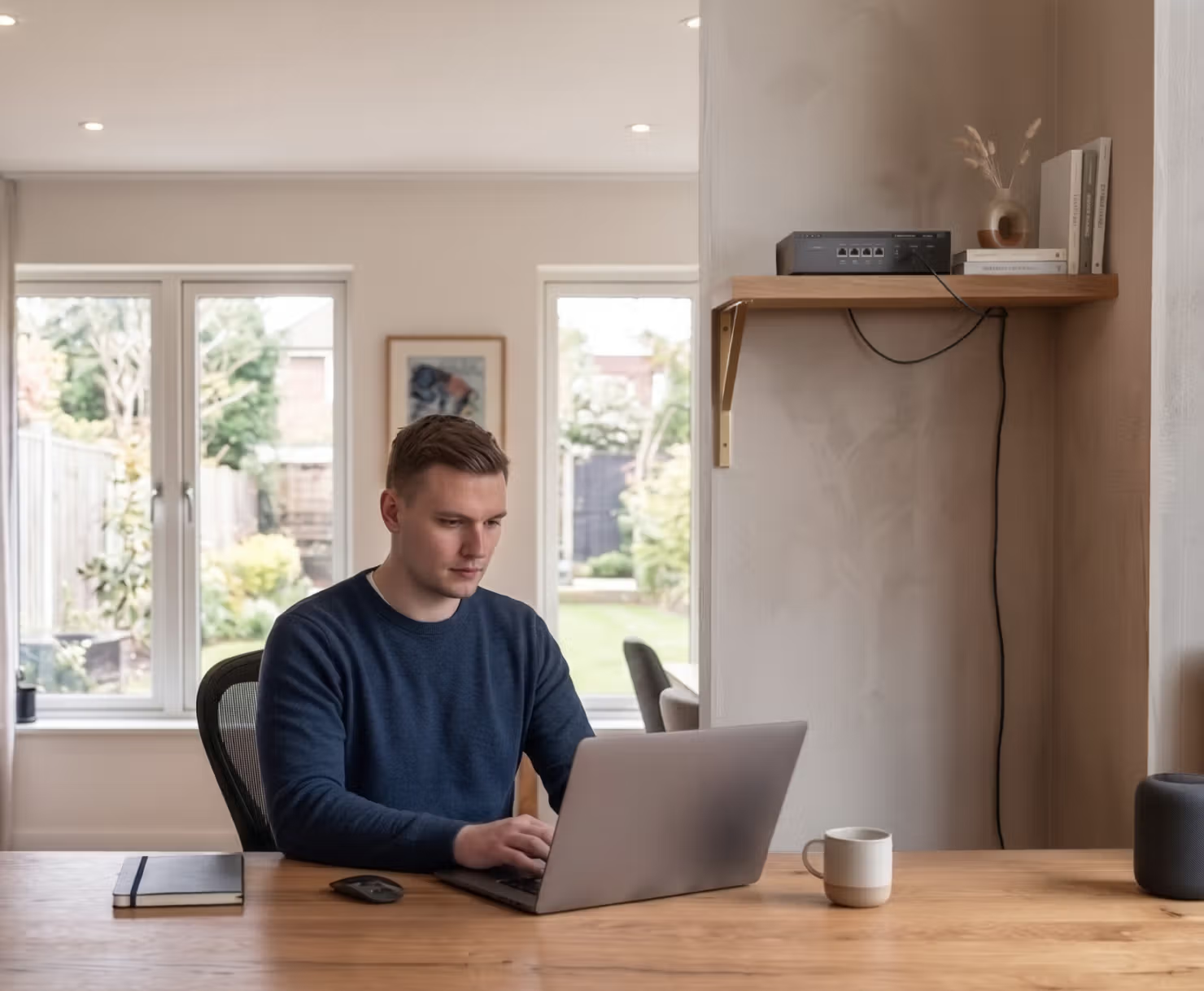
Secure network infrastructure for the home office with the FX4200 cellular router
Secure tunneling to bridge home offices into the corporate network
The FX4200 wraps every connection in a secure remote access tunnel. With on-board VPN support (OpenVPN/IPsec), all traffic is routed back to the corporate network, effectively implementing a zero trust network access framework where permissions are strictly managed.
Self-guided signal optimization via Inseego Mobile App & on-device display
Remote employees can achieve strong 5G performance without a professional-grade site survey. The FX4200 features an on-device display that shows signal quality and allows users to run speed tests. We also offer the Inseego Mobile, which guides users to the strongest signal location in their home or temporary office, ensuring the router is placed optimally for speed and broadband quality.
Shielding sensitive information from malware and data breaches
By using a dedicated Inseego cellular router for work, employees separate their professional tasks from the security risks of a shared home network. This prevents malware on personal devices from crossing over into corporate data and causing a data breach.
Plug and play secure connectivity for new remote hires
New hires get secure remote work capabilities the moment they unbox the FX4200 cellular router. The FX4200 is incredibly easy to set up, with the combination of zero-touch provisioning, an on-device battery, making it easy to walk around with the device to find the best signal, and then just having to plug it in and insert a SIM card. This ensures productivity stays high without waiting for providers to install wired lines or for complex technical orientations that could introduce security gaps.
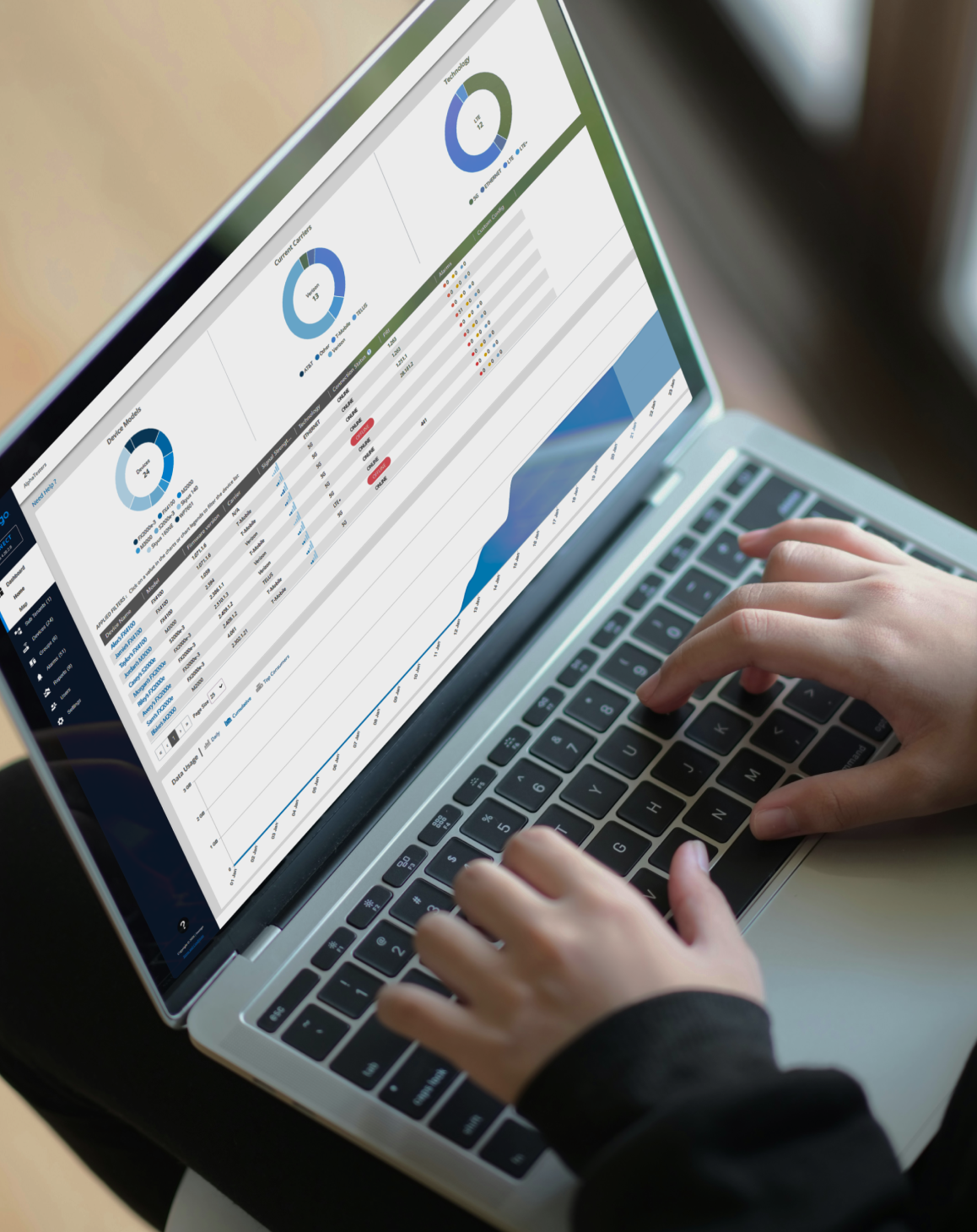
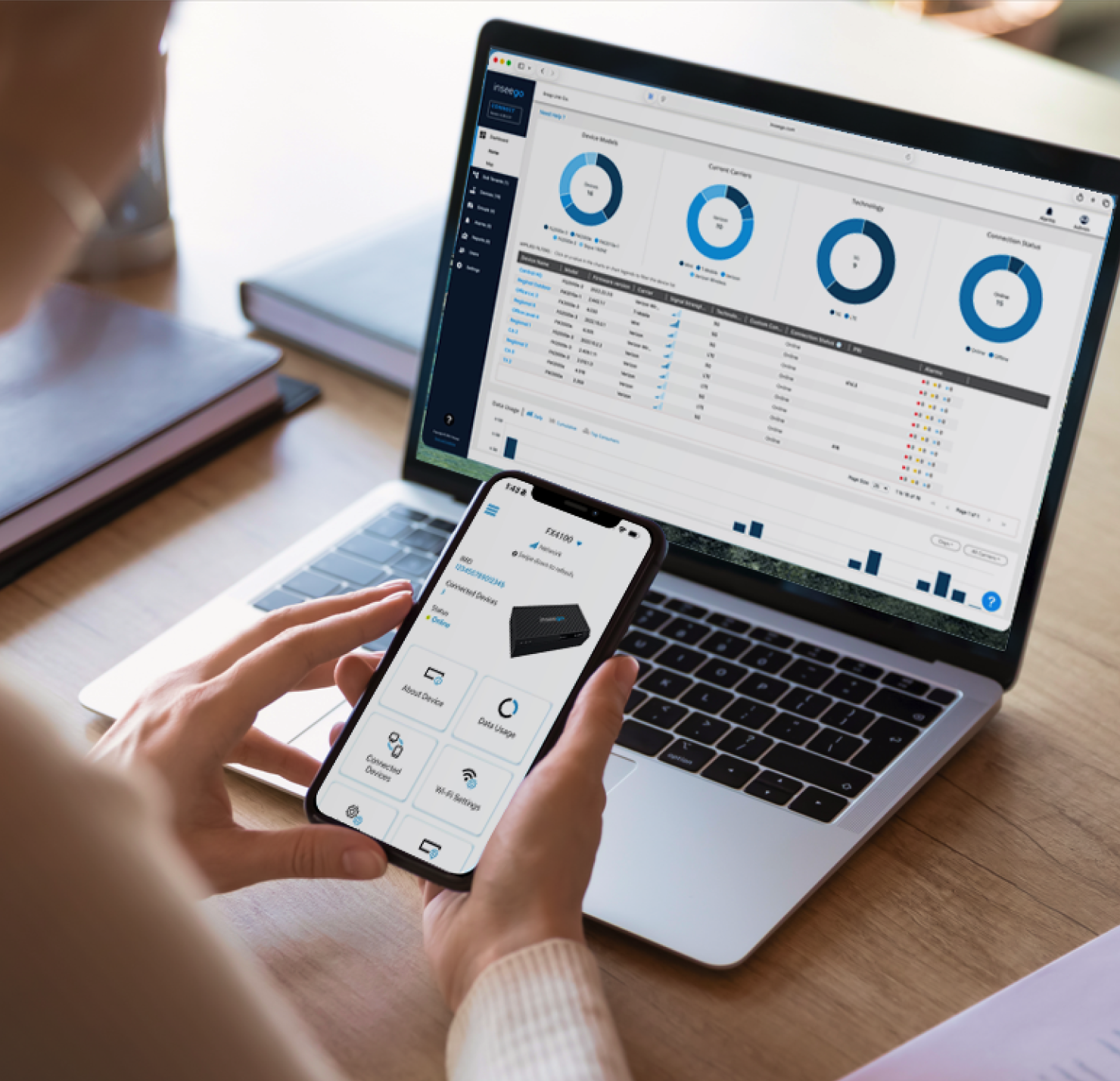
Centralized security orchestration of remote devices with Inseego Connect
Zero-touch provisioning to eliminate manual setup vulnerabilities
IT teams can pre-configure every Inseego FWA device with the necessary security measures and access controls before they are even shipped. When the device is turned on, it automatically pulls its specific profile from the cloud, ensuring network security is enforced without manual input from remote workers.
Remote security policy enforcement and device tracking
Through Inseego Connect, IT can remotely push, enforce, and update security policies across the entire remote workforce. If an Inseego device is lost, it can be disabled instantly to prevent unauthorized access to corporate data, providing a critical defense against cyber threats.
Consolidated endpoint security and hardware management
Instead of purchasing separate firewalls for every home or remote office, Inseego devices consolidate these into a single platform. This simplifies the endpoint security stack, making it easier to maintain a strong security posture across all remote devices and personal devices used for work.
Automated WAN failover for persistent VPN tunnels
Ensure remote employees never drop out of critical meetings or encrypted sessions. From Inseego Connect, businesses can pre-set rules for devices to automatically switch to a secondary cellular link if primary providers fail, maintaining a secure remote access connection at all times.
Products
The Inseego tools that let you focus on business
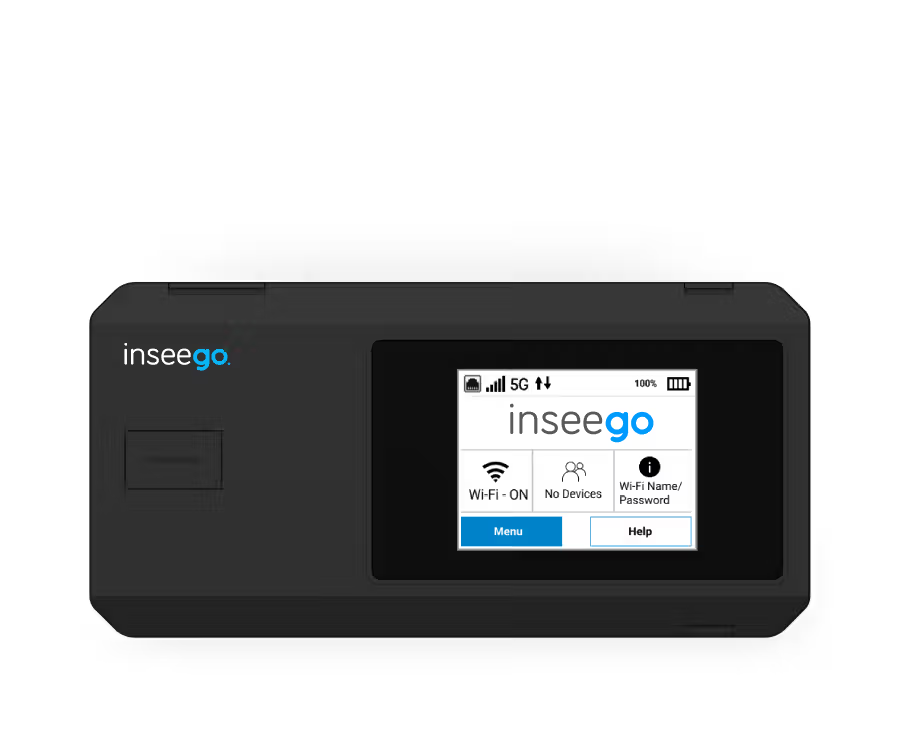
Inseego MiFi™ PRO M4
Secure while stationary. Secure while mobile. Secure throughout the edge.
See device details
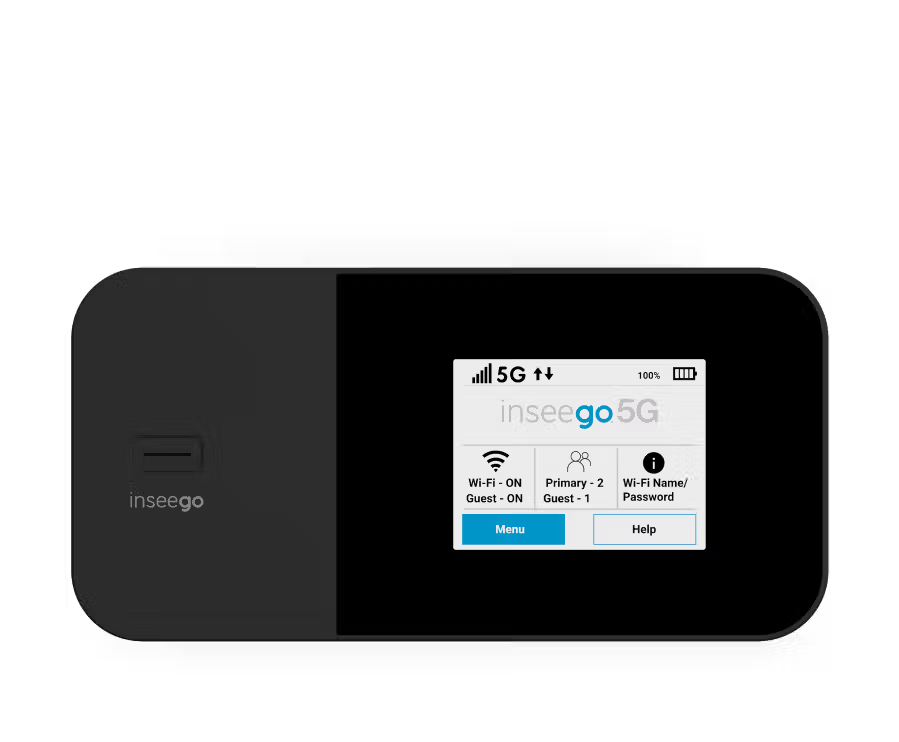
Inseego MiFi™ X PRO
5G business-grade connectivity. Secure. Instant. Anywhere.
See device details
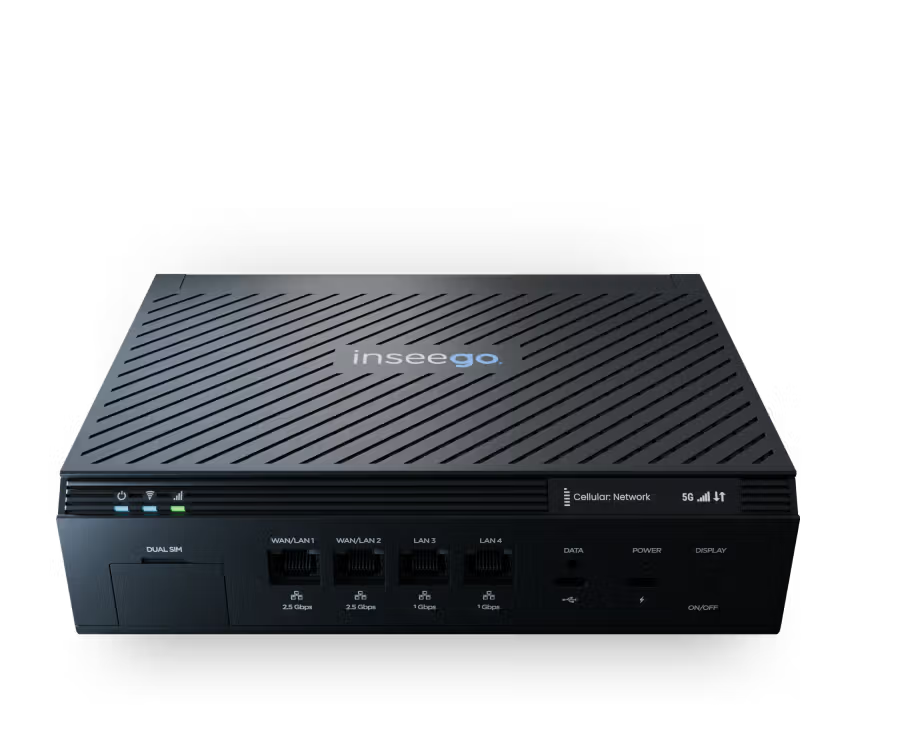
Inseego Wavemaker™ FX4200
Powerful 5G and failover that's simple to deploy, with all the cloud management features your network needs.
See device details
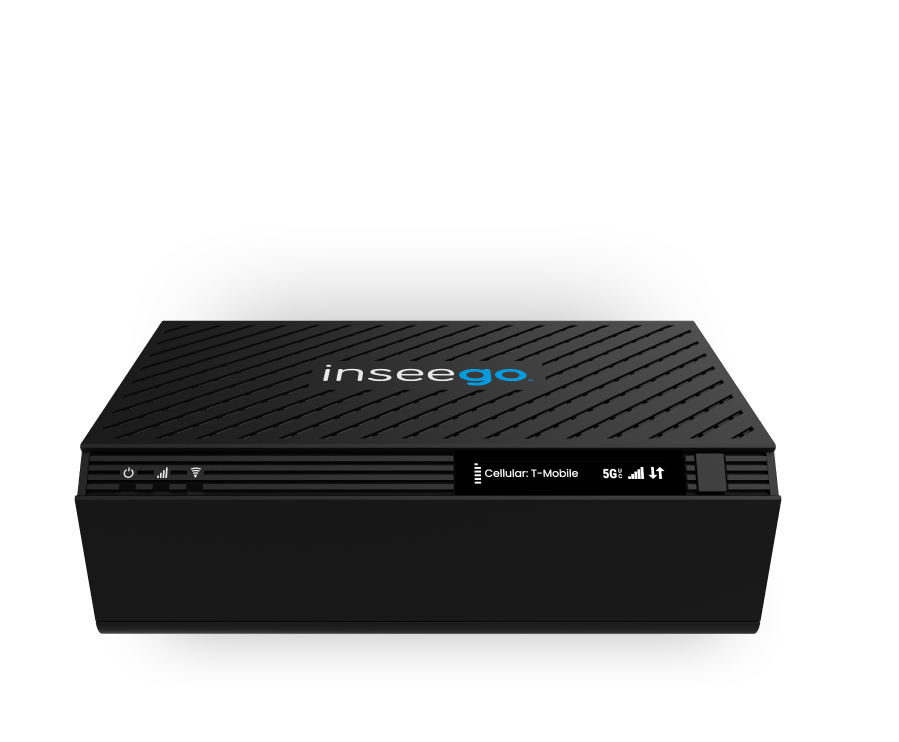
Inseego Wavemaker™ FX4100
Future-proof your business network with advanced 5G capabilities & Wi-Fi 7
See product details
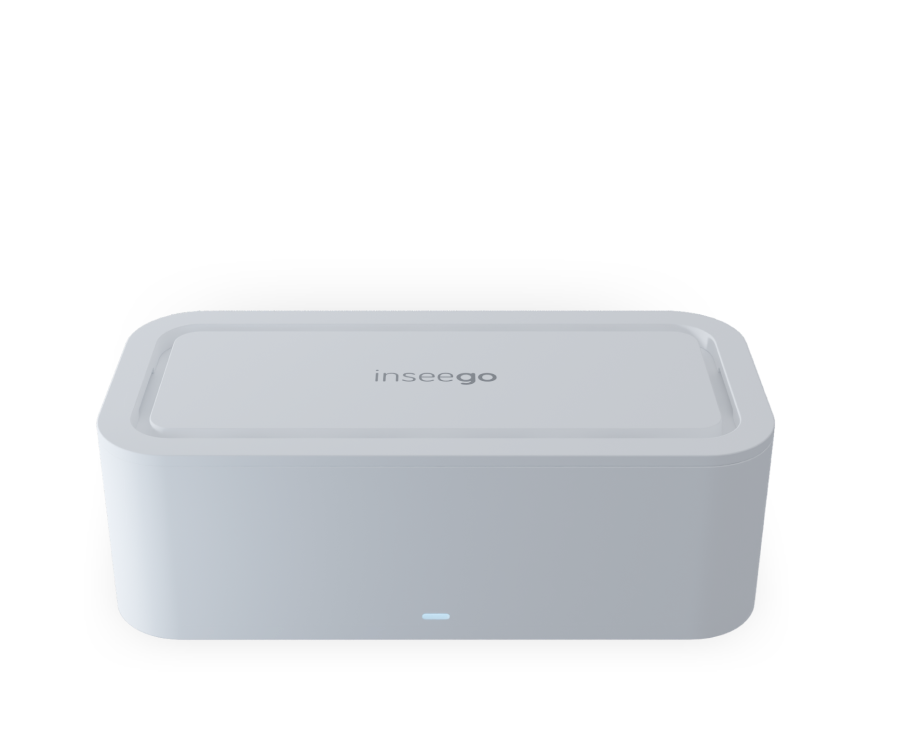
Inseego Wavemaker™ FX3100 Series
Secure, compact, and simple: high-speed 5G & Wi-Fi 6 connectivity.
See device details
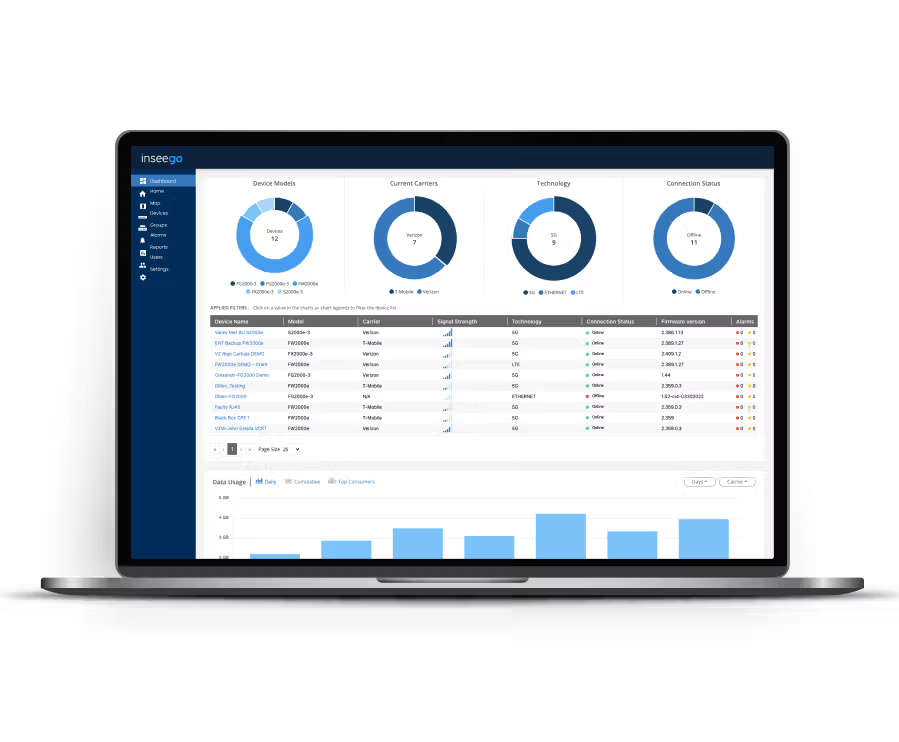
Inseego Connect™
A centralized cloud platform designed to manage the entire enterprise wireless edge with the Inseego portfolio
See product details
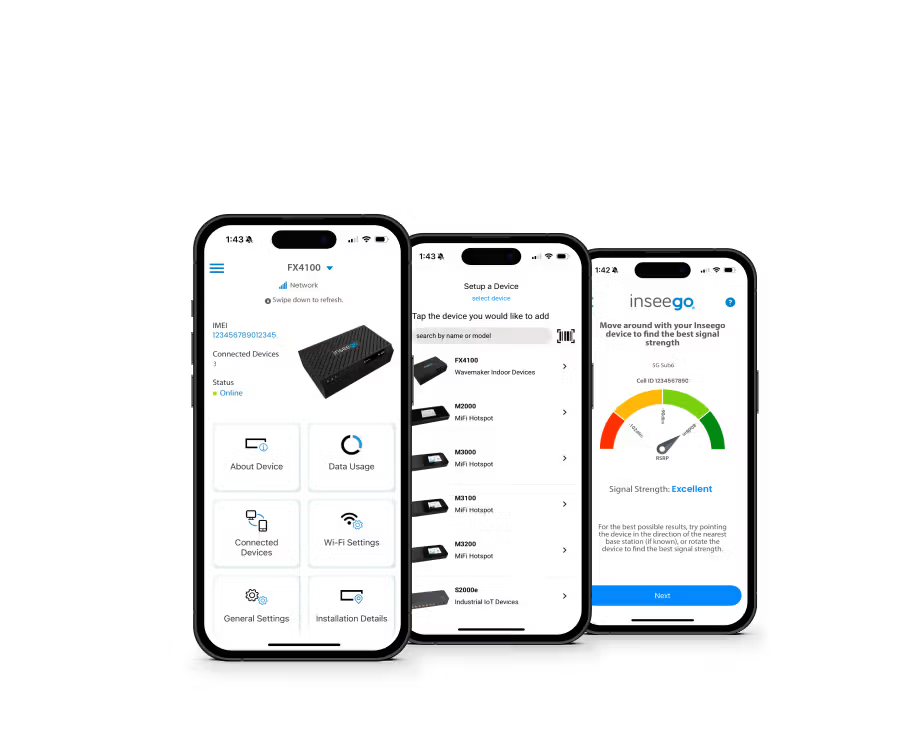
Inseego Mobile™ app
Simplify device setup and remote management capabilities with our mobile app.
See product details
Global wireless edge connectivity

Simple to deploy, simple to operate
Guided self-installation tools and centralized cloud management eliminate operational friction, making broadband effortless to deploy and maintain.
Learn more
Comprehensive wireless broadband portfolio
A unified lineup of routers, gateways, receivers, adapters, and hotspots allows providers to serve every customer segment through a single trusted platform.
Learn more
Performance, scale, and global networks
Advanced engineering delivers superior signal quality and reliable connectivity designed to scale to global networks and as technologies evolve.
Learn more
Platform for carrier operations
Subscriber-lifecycle management, open APIs, and cloud orchestration simplify operations beyond hardware, helping providers scale enterprise services efficiently.
Learn more
Strategic wireless partner
Over 25 years of mobile broadband experience drives collaborative innovation, helping providers navigate network evolution and long-term growth.
Learn moreFrequently asked questions
How does an enterprise protect sensitive data when employees use public Wi-Fi?
A business can eliminate the risks of data breaches from Public Wi-Fi by providing a private 5G enterprise bubble. This isolates traffic from unsecured surroundings and uses virtual private networks to ensure sensitive information is safely routed back to the corporate network.
Can a mobile hub support an entire team during a collaborative business trip?
Yes. Inseego MiFi® devices act as a central hub, supporting up to 50 simultaneous connections. This ensures the entire team stays within a managed remote work environment rather than relying on disparate, unsecure, public Wi-Fi networks.
What happens if a remote employee's device is lost or stolen during travel?
The organization maintains centralized control through Inseego Connect™. IT teams can use real-time location tracking and geofencing to locate hardware or instantly disable the device remotely to prevent unauthorized access to the corporate network.
How can an employee ensure they have a strong enough signal for video calls at home?
Employees can use the Inseego Mobile App, which guides them to the strongest 5G signal location in their residence. This "self-guided optimization" allows users to verify they have optimal placement for "fiber-like" speeds without needing to open an IT support ticket.
Does the IT department need to manually configure every device for remote hires?
No. Through zero-touch provisioning, all security policies are set in the cloud. When a new hire powers on their laptop and connects to our MiFi, it automatically pulls the correct network security functionality, ensuring a secure remote work experience from day one.
Resources & news
Find out what’s new in the 5G space

Case study
Reliable POTS replacement for critical infrastructure in senior living communities with the Inseego FX3110 indoor router
Read more
News
Inseego Launches New MiFi PRO M4335 for Verizon Fixed Wireless Access, Bringing Internet On-the-Go to Businesses
Read more

Blog
What is CMMC 2.0 and why does it matter for federal networks?
Read more