
User Guide
SIM Settings (Admin web UI)
Use this section to view and configure how your device uses multiple SIMs.
NOTE: Inseego Connect offers more selections for these settings. See SIM Settings (Inseego Connect).
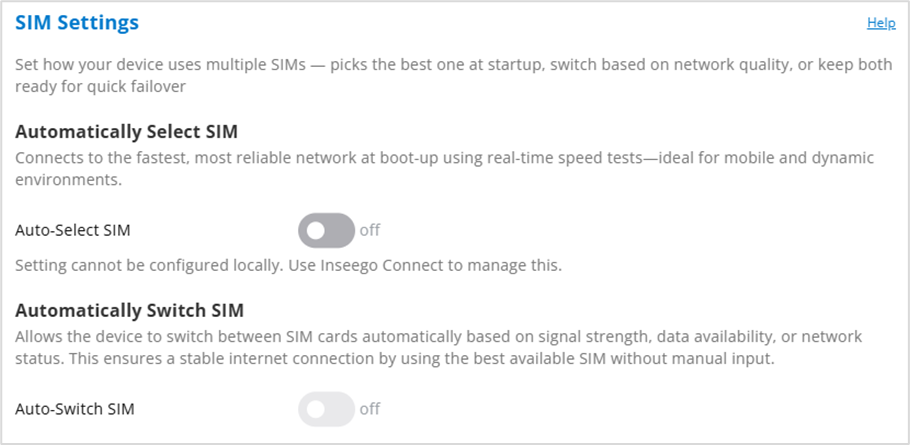
Automatically Select SIM
Auto-Select SIM: This selection is off by default and can only be enabled and configured with Inseego Connect. When on, speed tests, and other user-defined criteria determine the best SIM to use when powering on the device.
NOTE: When on, you cannot enable automatic SIM switching below.
Automatically Switch SIM
NOTE: When Auto-Select SIM is on, you cannot enable automatic SIM switching.
When on, the device switches between SIM cards automatically, based on connectivity. You can also configure parameters in Inseego Connect for switching based on signal strength, and data availability.
When off, you can manually switch between SIMs in the Manage SIM Slots setting.



