
User Guide
Battery Preservation Mode
When your MiFi has charged for more than 16 hours straight, it enters Battery Preservation Mode and battery level is maintained between 50% and 60%. This helps prevent overcharging and preserve the integrity of your battery. When Battery Preservation Mode is activated, the following message appears:
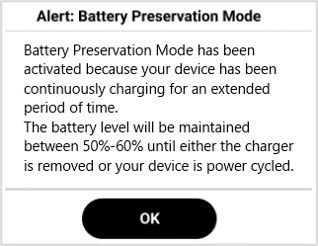
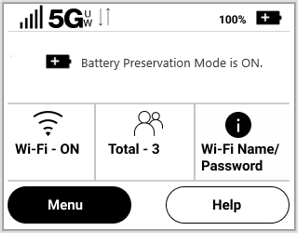
Click OK. The Battery Preservation Mode icon  on the Home screen and a message on the InfoPanel indicate that Battery Preservation Mode is on.
Battery Preservation Mode automatically deactivates when you unplug the charger or power cycle your MiFi.
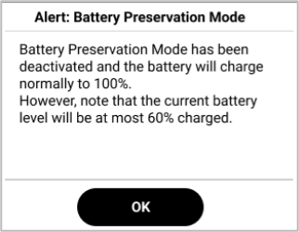
Click OK.