
User Guide
Cellular Settings
Use this section if you want to temporarily turn off your network completely or turn it off while roaming. You can also turn off automatic network selection to manually select a network.
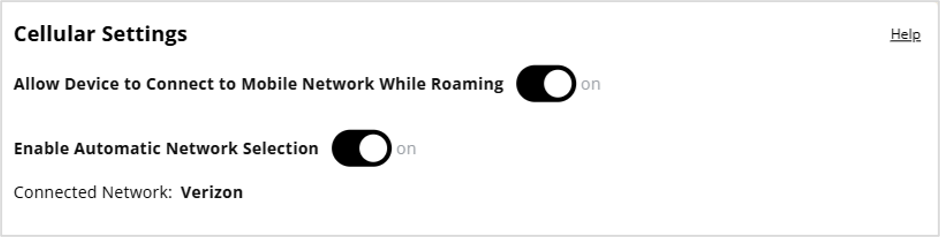
Allow Device to Connect to Mobile Network while Roaming: Use the toggle to turn international and domestic roaming on or off as needed. Additional data charges may apply when roaming.
Enable Automatic Network Selection: When on, your MiFi automatically selects the best available 5G network and you cannot manually select a network.
When off, you must manually select a network by clicking Find Network and choosing a network.
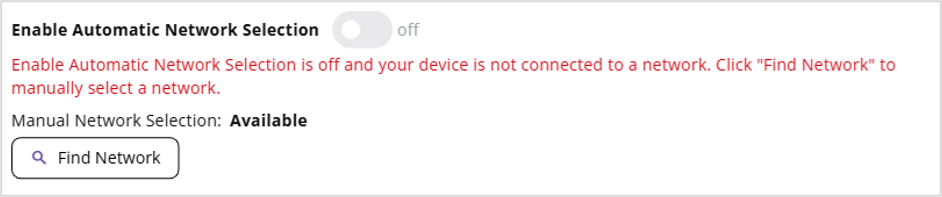
Find Network: You may wish to manually select a network if multiple networks are available and you have a preference. Click the button to scan for available networks, then choose the preferred network and click Select Network.
NOTE: This option is available only if Enable Automatic Network Selection is off.
Connected Network: The name of the network to which the MiFi is currently connected.