
User guide
To delete API keys:
To delete API keys:
1. Check the box next to the user name and click the Delete button. A confirmation dialog appears:
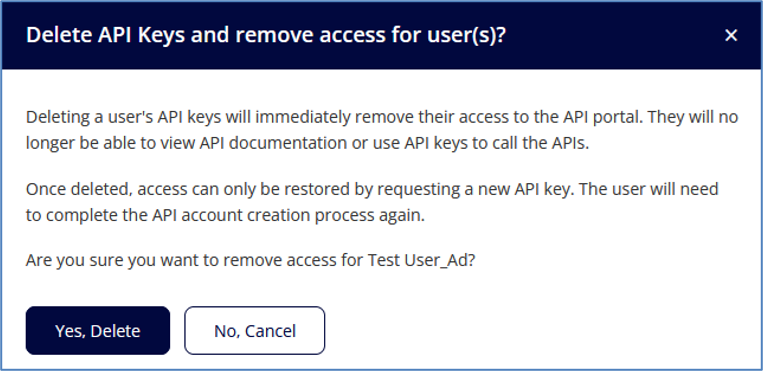
2. Click Yes, Delete.
CAUTION: Deleting keys removes the user’s access to the API portal immediately. To restore access, new keys must be created and the user must go through the API account creation process again.