
User Guide
Powering on and off and waking the touchscreen
IMPORTANT: Before you use your MiFi, charge the battery to ensure a full initial charge. When fully charged, the battery supports 8+ hours of continuous use*.
To turn your MiFi on, press and hold the power button for three seconds.
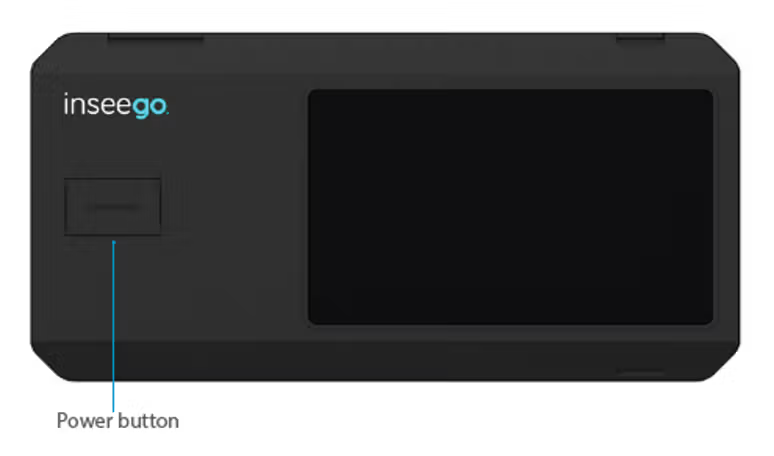
This initiates a boot-up process. Your MiFi is ready to use once the Home screen appears:
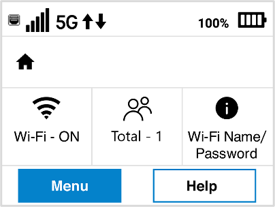
IMPORTANT: The touchscreen is designed to time out or sleep to reserve battery power. To wake up the display, press and release the power button.
To turn your MiFi off, press and hold the power button for three seconds until you see the Power Off screen.
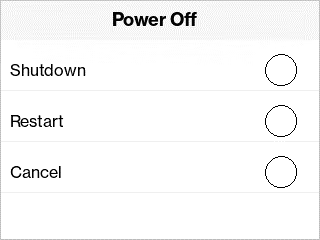
Then select Shutdown.
| *Battery life and activity may vary depending on the number of connected devices and activity, including use of Ethernet. |