
Quick Start Guide
Step one: Turn your MiFi on/off
IMPORTANT: For optimal functionality of your MiFi, please use the pre-installed SIM card and battery. Before you use your MiFi, charge the battery to ensure a full initial charge.
- To turn your MiFi on, press and hold the power button for three seconds.
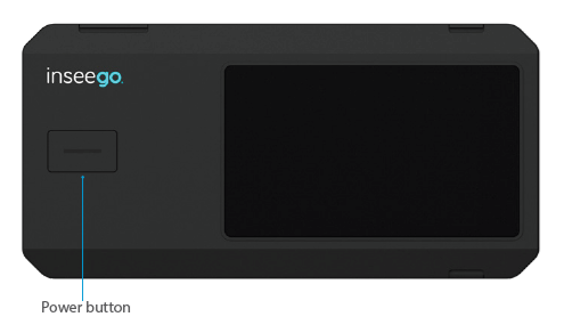
This initiates a boot-up process. Your MiFi is ready to use once the Home screen appears:
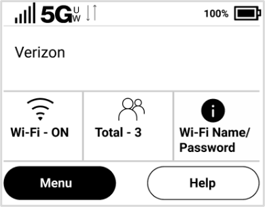
IMPORTANT: The touchscreen is designed to time out or sleep to reserve battery power. To wake up the display, press and release the Power button.
- To turn your MiFi off, press and hold the power button for three seconds until you see the Power Off screen.
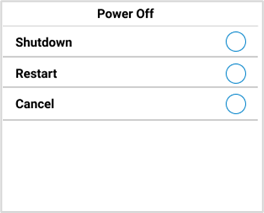
Then select Shutdown.



