
User Guide
Viewing data usage
You can view data usage on the Home screen by swiping left on the InfoPanel or tap Menu > Data Usage.
NOTE: The data usage information displayed is an estimate and may differ from official AT&T data usage numbers. Always refer to your AT&T account for precise data usage information.
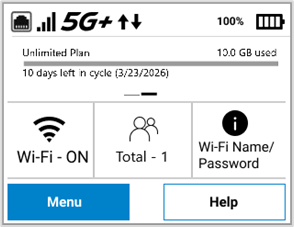
Tap Menu.
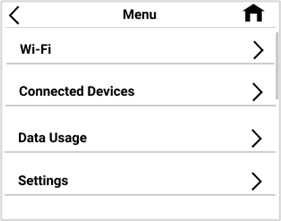
Tap Data Usage.
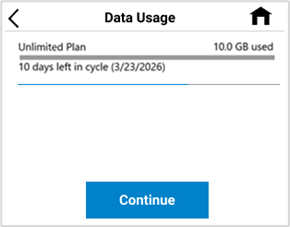
View estimated usage and plan info.
NOTE: Data usage estimates may not include roaming. If roaming is on, an informational screen appears. Tap Continue for the Data Usage screen.



