
User Guide
Powering on and off and waking the touchscreen
To turn your MiFi on, press and hold the power button for three seconds.
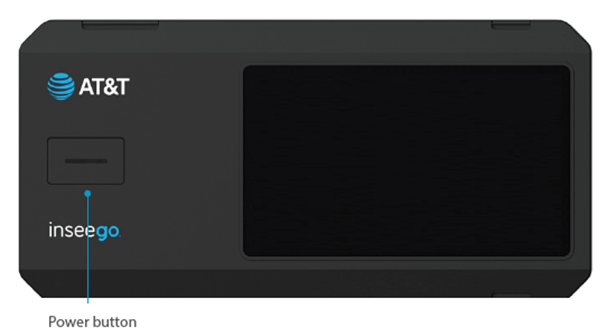
This initiates a boot-up process. Your MiFi is ready to use once the Home screen appears:
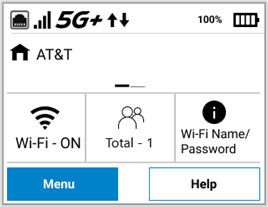
IMPORTANT: The touchscreen is designed to time out or sleep to reserve battery power. To wake up the display, press and release the power button.
To turn your MiFi off, press and hold the power button for three seconds until you see the Power Off screen.
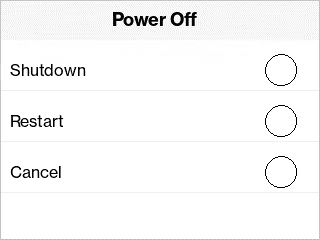
Then select Shutdown.



