
User Guide
Notification Settings
Use this section to set options for notifications on your MiFi.
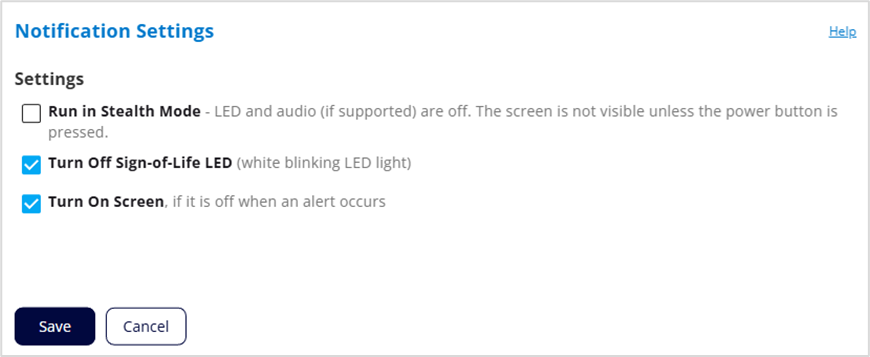
Settings
Run in Stealth Mode: When checked, other than the startup process, the MiFi LED, touchscreen, and audio (when supported) turn on only when the power button is pushed.
Turn Off Sign-of-Life LED: Check this box to turn off the LED status light. When unchecked, the LED blinks slowly as a “sign of life.” This option is grayed out if Stealth mode is on.
Turn On Screen: Check this box to turn on your MiFi touchscreen when there is an alert message. This option is grayed out if Stealth mode is on.



