
User Guide
Network Locked
Locked devices can only use the network currently provided by the service provider. Use this section if you want to unlock your MiFi to use with a different service provider.

To unlock a locked device, click Unlock. The Unlock Network popup appears.
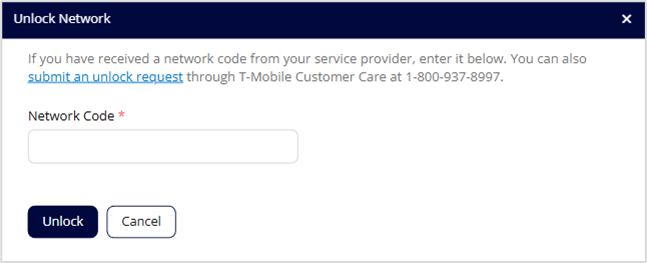
To obtain a network code, click the submit an unlock request link, or follow the directions to contact T-Mobile Customer Care. Enter the code in the Network Code text box and click Unlock.
NOTE: If your device is unlocked, this section does not appear.



