
User Guide
Removing the protective battery tab
1. Lift the tab at the edge of the battery cover and remove the cover.
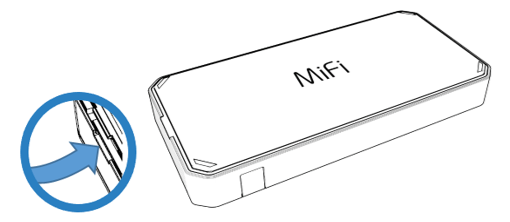
2. Remove the protective tab from the battery.
3. Ensure the battery is securely in place.
4. Replace the cover by setting it on the MiFi where the notches align, then press on the cover until it clicks into place and is flat across the entire bottom surface.